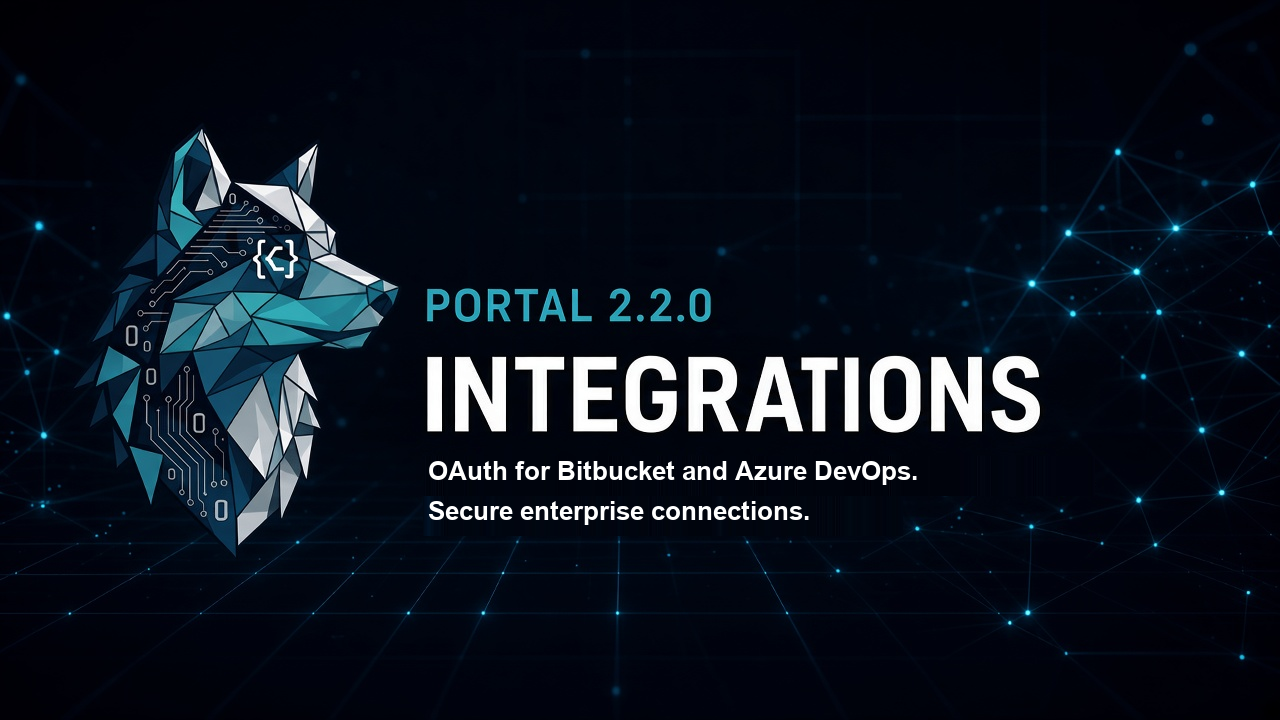
ThinkReview Portal - Version 2.2.0 Release Notes
Release Date: 17 November 2026
Product: Portal
---
🎯 What's New
Connect Bitbucket and Azure DevOps 🔑
Integrations now connects two more cloud hosts with a sign-in, alongside the token option that was already there.
- Bitbucket: Connect with Bitbucket signs you in on bitbucket.org. The connection can read Bitbucket Cloud repositories you already have access to. There is no repo picker. An API token or app password remains available when you want to limit access. This sign-in is for bitbucket.org. Self-hosted Bitbucket stays on a token.
- Azure DevOps: Connect with Azure DevOps uses Microsoft Entra ID with a work or school account. It covers Azure DevOps Services only (dev.azure.com and \*.visualstudio.com). There is no organization picker. The connection can read the cloud organizations that account can already access. Personal Microsoft accounts cannot complete this. A personal access token remains required for Azure DevOps Server / on-prem, and remains available on cloud when you want to limit access to one organization.
Enterprise and self-hosted hosts 🏢
Enterprise and self-hosted hosts use a domain and a token. On Integrations, choose the self-hosted variant and save the host domain with a personal access token:
- GitHub Enterprise Server — your server URL and a token
- Self-hosted GitLab — your instance URL and a token
- Azure DevOps Server — your collection URL and a token
Bitbucket Data Center uses a token as well. Connect with Bitbucket stays on bitbucket.org.
---
🔧 Requirements
- A ThinkReview account
- Bitbucket Cloud (bitbucket.org) and/or Azure DevOps Services with a Microsoft work or school account, for the Connect buttons
- A host domain and token for GitHub Enterprise Server, self-hosted GitLab, Azure DevOps Server, or Bitbucket Data Center
---
📞 Support
- Integrations: portal.thinkreview.dev/integrations
- Feedback: Share your feedback
- Bug reports: Use the "Report a Bug" button in the extension review panel
---
Thank you for using ThinkReview! 🚀