Data Center first
Built for self-hosted Bitbucket Data Center—not only bitbucket.org Cloud.
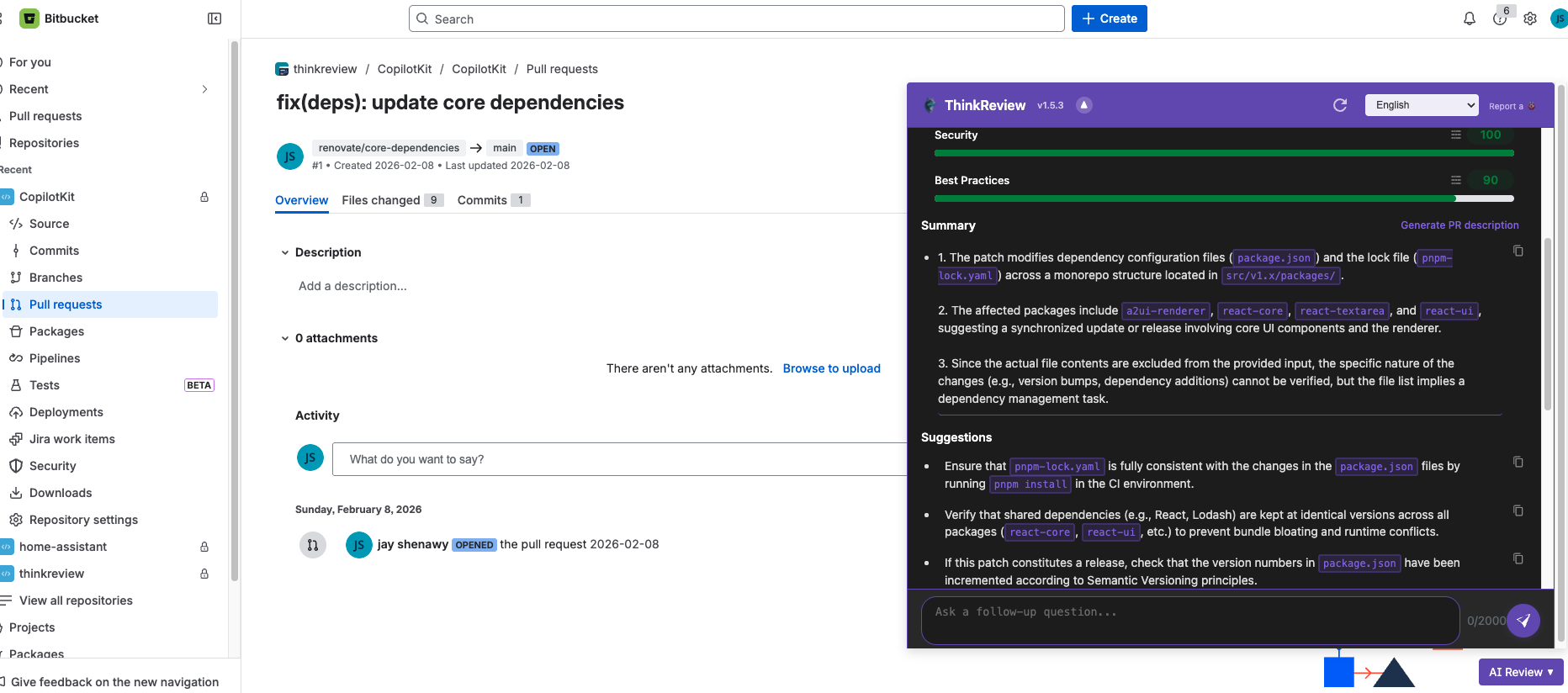
Self-hosted Bitbucket Data Center teams can run ThinkReview on pull requests—add your Data Center domain and review without a new CI bot.
Chrome · Firefox · Edge · Brave
Built to fit your existing git workflow—no new platform to adopt.
Built for self-hosted Bitbucket Data Center—not only bitbucket.org Cloud.
Register your Data Center hostname so ThinkReview detects PR pages on your instance.
Authenticate with credentials documented in the Bitbucket Data Center guide.
Use custom rules, agents, chat, and model selection on Data Center PRs.
Get from install to first review in a few minutes.
Add the extension to Chrome or Firefox.
Follow the Bitbucket Data Center docs for domain and token setup.
Run an AI review on your self-hosted PR.
Explore more features, platforms, and documentation.
Connect your Data Center instance and open the next pull request.