Grok Bot vs OpenClaw

Grok Bot vs OpenClaw
Grok Bot brings you a computer. OpenClaw brings the agent to the chat you already have open.
Grok Bot is an app with teammates inside it. OpenClaw is a process that sits on your machine and answers wherever you already type. They get mentioned in the same breath because both keep working after you leave. The machines they keep are different objects.
A product and a gateway
OpenClaw's history is part of the product. Peter Steinberger shipped it in November 2025. The name moved from Clawdbot to Moltbot to OpenClaw in the last week of January 2026, because the Claude pun did not survive contact with Anthropic's lawyers. On February 14 he said he was joining OpenAI, and the OpenClaw Foundation, a 501(c)(3), took stewardship. The license stayed MIT. There is no hosted tier and no token. Donors, OpenAI included, do not own the repo. By the project's own account an install sends home a daily version check, and you can turn that off.
Source: openclaw/openclaw, OpenClaw Foundation.
Grok Bot's history is shorter. Internal prototype, beta on August 11, 2026, then a wider set of Cursor and SuperGrok plans. The computers the Bots work on run in Cursor's cloud. Enterprise is a waitlist. The launch post describes teammates that sign into the tools you already use and come back when something needs approval.
Where the message goes
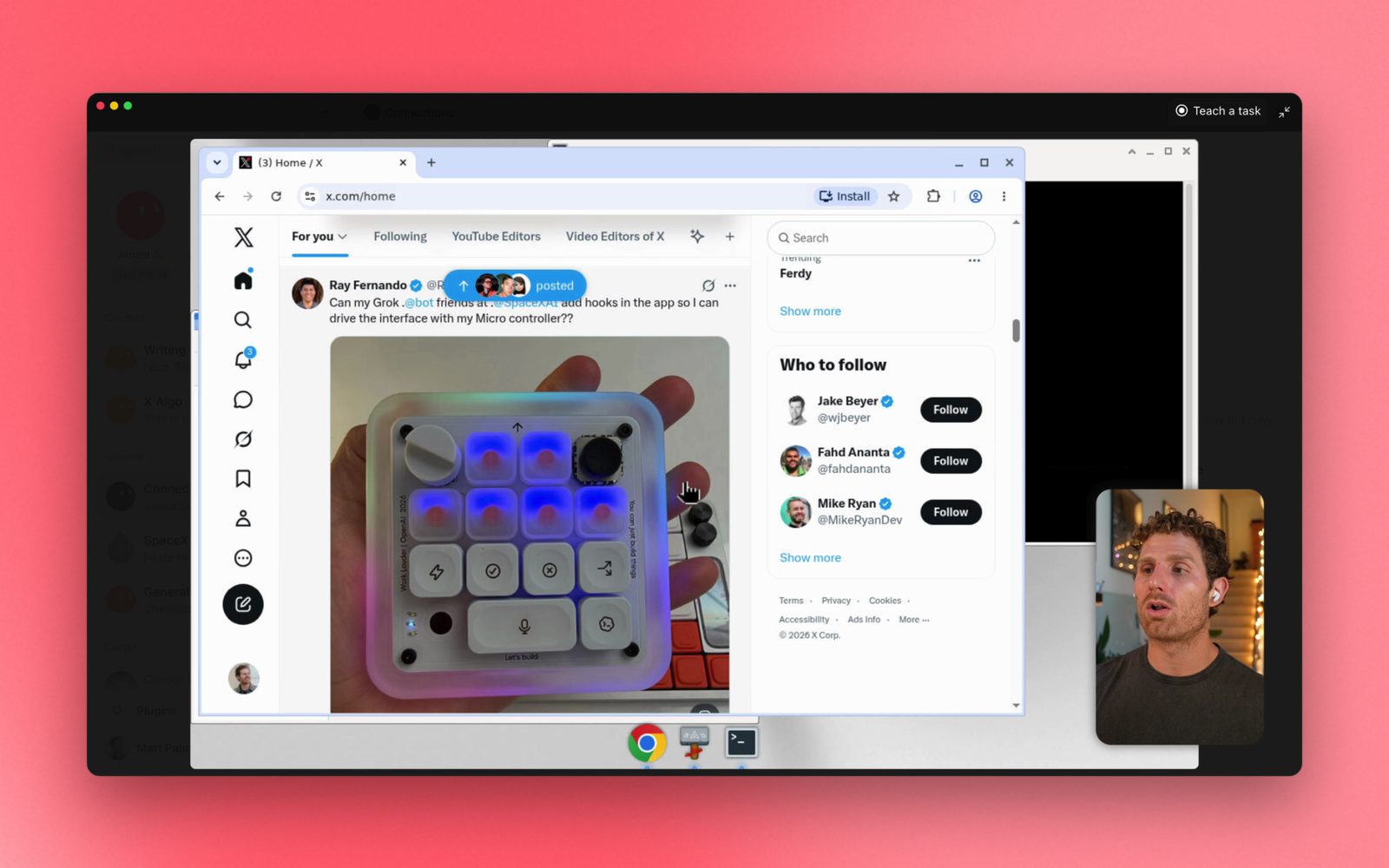
You message a Grok Bot in the Grok Bot app. Desktop on macOS, Windows, and Linux. Phone on iOS and Android. Voice is a first-class way in. The Bot can send a voice memo back, or a draft you approve before it goes out.
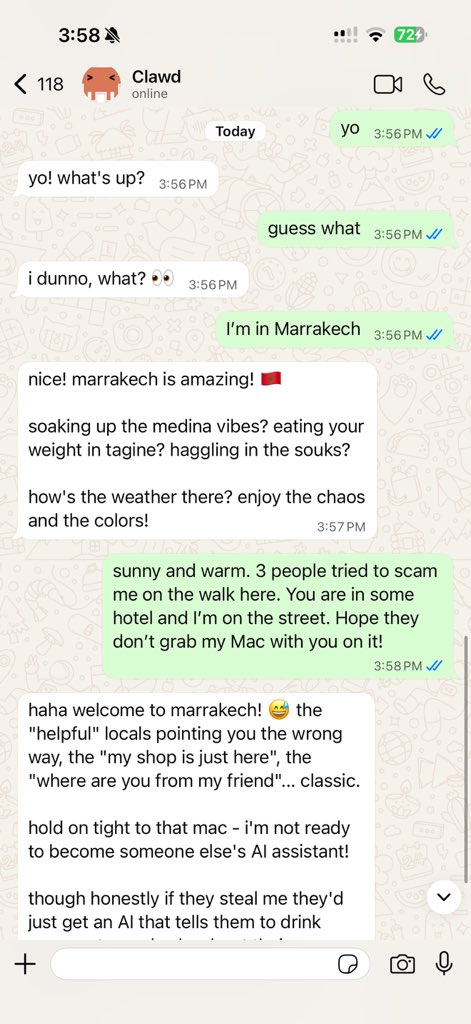
You message OpenClaw in the channel you were already using. WhatsApp, Telegram, Discord, Slack, Signal, iMessage, Teams, and a long tail of plugins. One Gateway serves all of them. Companion apps on the phone can add a camera, a screen, and voice. The Control UI is a local dashboard for sessions and config.
Source: OpenClaw docs. The assistant meets you in the chat app. The Gateway stays on your machine.
If the job is "text the assistant from the thread where the day is already being planned," OpenClaw was built for that sentence. If the job is "open an app and watch a specialist work on a desktop," Grok Bot was built for that one.
Source: Grok Bot 101, SpaceXAI. The desktop stays up when the laptop is closed.
Trust, stated in the docs
Grok Bot's trust model is a shared cloud computer plus a person at the approval step. The computer page says the machine belongs to the account. Every Bot can see the files and the signed-in sessions. You get a screen per Bot. You do not get a VM per Bot. Sensitive actions come back to you. Local commands on your own laptop are a separate switch.
OpenClaw's trust model is written down just as plainly, with the sharp edge on the other side. Tools run on the host for the main session unless you configure a sandbox. Sandboxing is off until you turn it on. Inbound DMs from strangers wait for a pairing approval. The security guide matters before the Gateway is reachable by anyone but you, because the thing on the other side of WhatsApp can read files and run a shell on the box where the Gateway lives.
Those are both serious designs. Grok Bot's edge is a shared login across teammates you meant to separate. OpenClaw's edge is a powerful local process that is only as locked down as the config you wrote.
The model is a plugin, or it is the product
OpenClaw treats Claude, Codex, and local models as plugins. Swap the plugin and the Gateway, the memory files, and the channel logins stay. The project is explicit that no donor's model is privileged in the code.
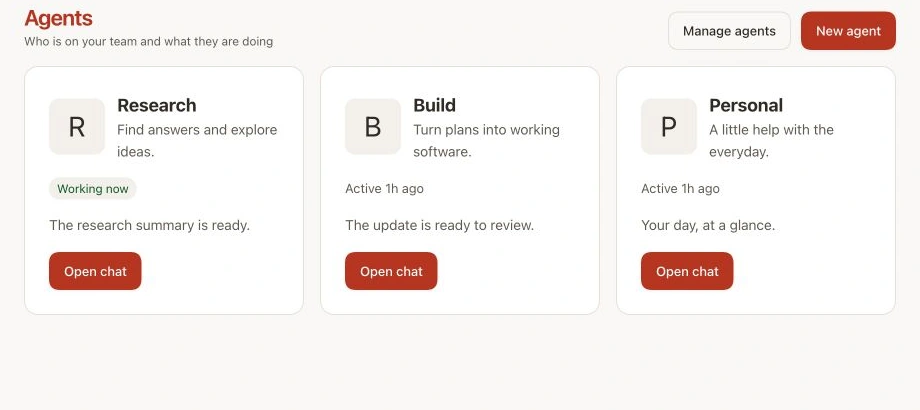
Source: OpenClaw docs.
Grok Bot is the Grok product surface for agents. You are buying the integration: the cloud computer, the roster, the routines, the usage that comes with the plan. You are also buying today's Grok. When the model moves, the Bot moves with it. You do not park last month's weights on the same desktop.
Which inbox it belongs in
Choose Grok Bot if you want the computer, the roster, and a setup that is a message. The machine lives in Cursor's cloud, and every Bot on the account shares it.
Choose OpenClaw if the assistant has to live in WhatsApp or iMessage, the disk has to be yours, and you will actually read the sandbox docs. The install is a shell one-liner or a desktop app. The operation is yours after that.
The category these two sit in is sketched in Is Grok Bot the present of AGI?. The other open agent, Hermes, is here.
Both will open a repository if you ask. The review itself, with a severity and a finding a human can answer, is what ThinkReview is for, on GitHub, GitLab, Azure DevOps, and Bitbucket.