TFS 2017 named support
Searchers looking for TFS 2017 AI review get a clear path: custom domain + PAT against your Team Foundation Server.
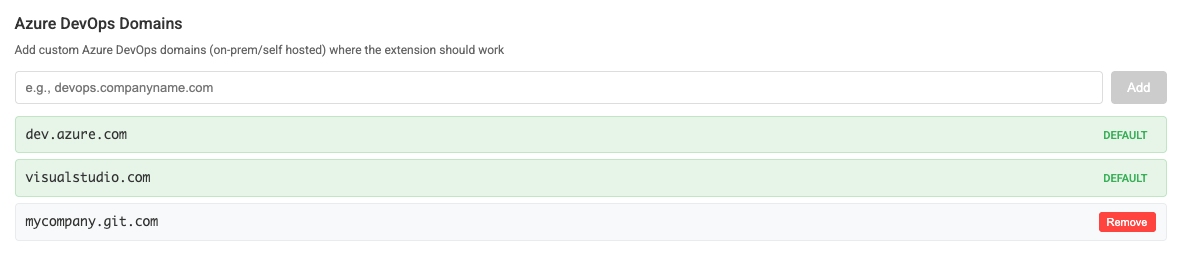
Still on Team Foundation Server 2017 or Azure DevOps-family on-prem? ThinkReview connects via custom domain and collection URL so you can review PRs with AI.
Chrome · Firefox · Edge · Brave
Built to fit your existing git workflow—no new platform to adopt.
Searchers looking for TFS 2017 AI review get a clear path: custom domain + PAT against your Team Foundation Server.
Same ThinkReview on-premise flow used for Azure DevOps Server—collection URL and Code Read token.
No TFS plugin marketplace dependency—install ThinkReview and configure your host.
Bring modern AI review to long-lived TFS repos without migrating the whole ALM stack first.
Get from install to first review in a few minutes.
Create a Personal Access Token on your TFS / Azure DevOps Server with Code Read.
Use your TFS host and collection (see the on-premise docs for examples).
Open a PR in the web UI and run ThinkReview after a browser restart if required.
Explore more features, platforms, and documentation.
Configure your collection URL and start reviewing pull requests.