On-prem Azure DevOps Server
Target the latest Azure DevOps Server deployments with custom domains and collection URLs.
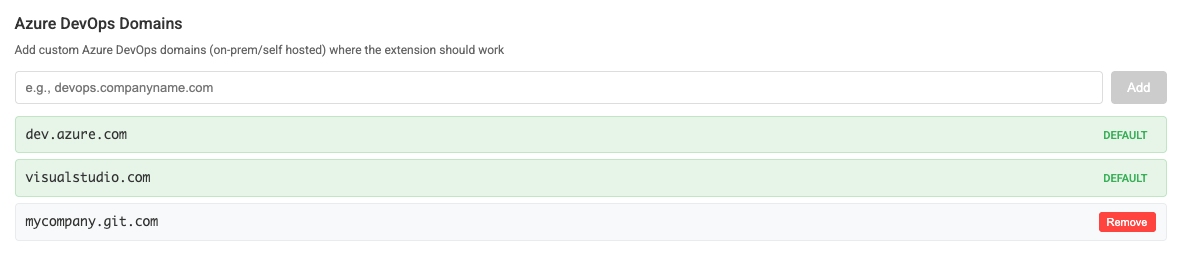
Self-hosted Azure DevOps Server teams can use ThinkReview with a custom collection URL—AI pull request reviews on your on-prem instance.
Chrome · Firefox · Edge · Brave
Built to fit your existing git workflow—no new platform to adopt.
Target the latest Azure DevOps Server deployments with custom domains and collection URLs.
Enter your server URL (for example https://devops.example.com/DefaultCollection) in ThinkReview settings.
Create a Personal Access Token with code read access—step-by-step in the on-premise guide.
Scores, suggestions, chat, rules, and agents—aligned with Azure DevOps Cloud workflows.
Get from install to first review in a few minutes.
On your Azure DevOps Server, generate a token with Code Read.
Paste your custom domain collection URL into ThinkReview settings.
Fully restart the browser if needed, then open a pull request.
Explore more features, platforms, and documentation.
Configure your collection URL and open the next on-prem PR.