Enterprise self-managed
Support GitLab EE instances behind your corporate domain and SSO-backed developer workflows.
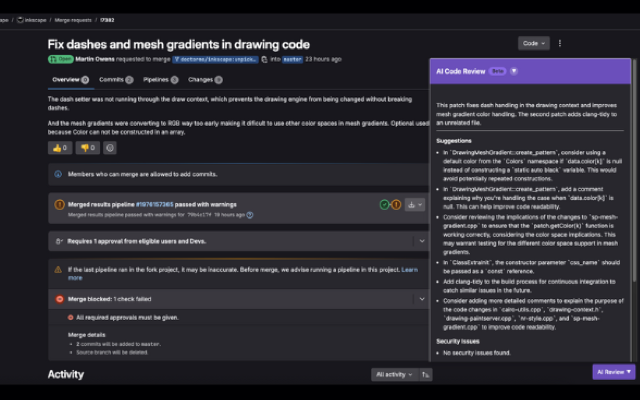
Self-managed GitLab EE teams get ThinkReview in the merge request sidebar—custom domains, PAT auth, and enterprise-ready review standards.
Chrome · Firefox · Edge · Brave
Built to fit your existing git workflow—no new platform to adopt.
Support GitLab EE instances behind your corporate domain and SSO-backed developer workflows.
Register your EE hostname so the extension detects MRs on your self-managed URL.
Combine custom rules and review agents so every team reviews against shared security and quality bars.
Developers install the extension and use a PAT—no need for instance-wide admin apps to start reviewing.
Get from install to first review in a few minutes.
Add the browser extension for your team.
Add your GitLab Enterprise Edition domain following the GitLab integration guide.
Open an EE MR and run AI analysis in the sidebar.
Explore more features, platforms, and documentation.
Connect your Enterprise Edition instance and standardize MR quality.