Reviews where you code
Stay in Cursor, Claude Code, Codex, Antigravity, or Windsurf. Ask your agent to review a PR URL—no context switch to the browser.
Generating code is the easy part. Review the pull request from Cursor, Claude Code, Codex, Antigravity, or Windsurf—paste a PR URL, get structured feedback without leaving your agent.
Chrome · Firefox · Edge · Brave
Agents write the branch in minutes. Code review is what decides whether it is safe to ship, and ThinkReview MCP runs it inside the agent tool you already use.
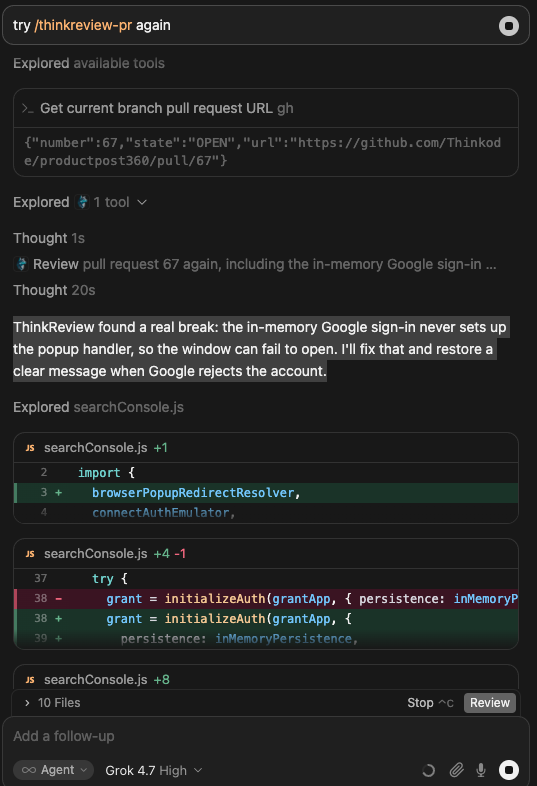
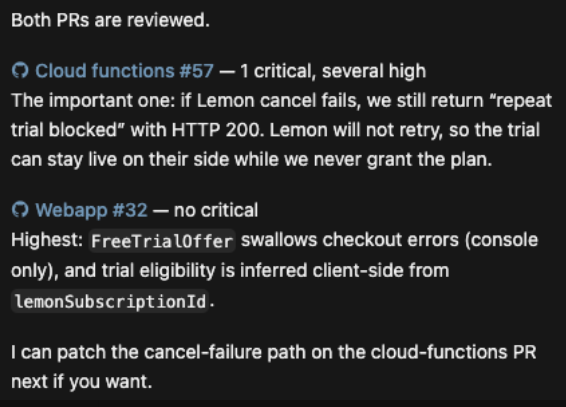
Any MCP client that supports remote HTTP servers. Add https://mcp.thinkreview.dev/v1 and authenticate once in the browser.
Built to fit your existing git workflow—no new platform to adopt.
Stay in Cursor, Claude Code, Codex, Antigravity, or Windsurf. Ask your agent to review a PR URL—no context switch to the browser.
Point clients at mcp.thinkreview.dev/v1 with a URL-only config and browser OAuth—copy-paste configs for Cursor, Claude Code, Codex, and Copilot.
Works with GitHub, GitLab, Azure DevOps, and Bitbucket when git integrations are configured in the portal.
Get summary, suggestions, security notes, best practices, and follow-up questions—ready for agent workflows.
Get from install to first review in a few minutes.
Add PATs under portal Settings → Integrations so ThinkReview can fetch private PR diffs.
Open the MCP setup page, add the URL-only config to your agent tool, and authenticate in the browser.
Give your agent a PR or MR URL and invoke the ThinkReview MCP tool before you merge.
Explore more features, platforms, and documentation.
Configure integrations, add the server, and review AI-written PRs before they deploy.