ThinkReview is now a Cursor plugin
Install ThinkReview from the Cursor Directory. One skill and one MCP server review a pull request inside Cursor, without pasting the diff.

Install it from the Cursor Directory, authenticate once, and ask Cursor to review the pull request.
ThinkReview is listed on the Cursor Directory. The plugin packages the hosted review server and a skill that tells Cursor when to call it, so you do not paste an MCP config in by hand.
The listing is the community directory Cursor points people to. The plugin source is the public repo Thinkode/thinkreview-cursor. The review engine stays on ThinkReview. Installing the plugin is free. A review uses your ThinkReview account and the same review credits as the browser extension.
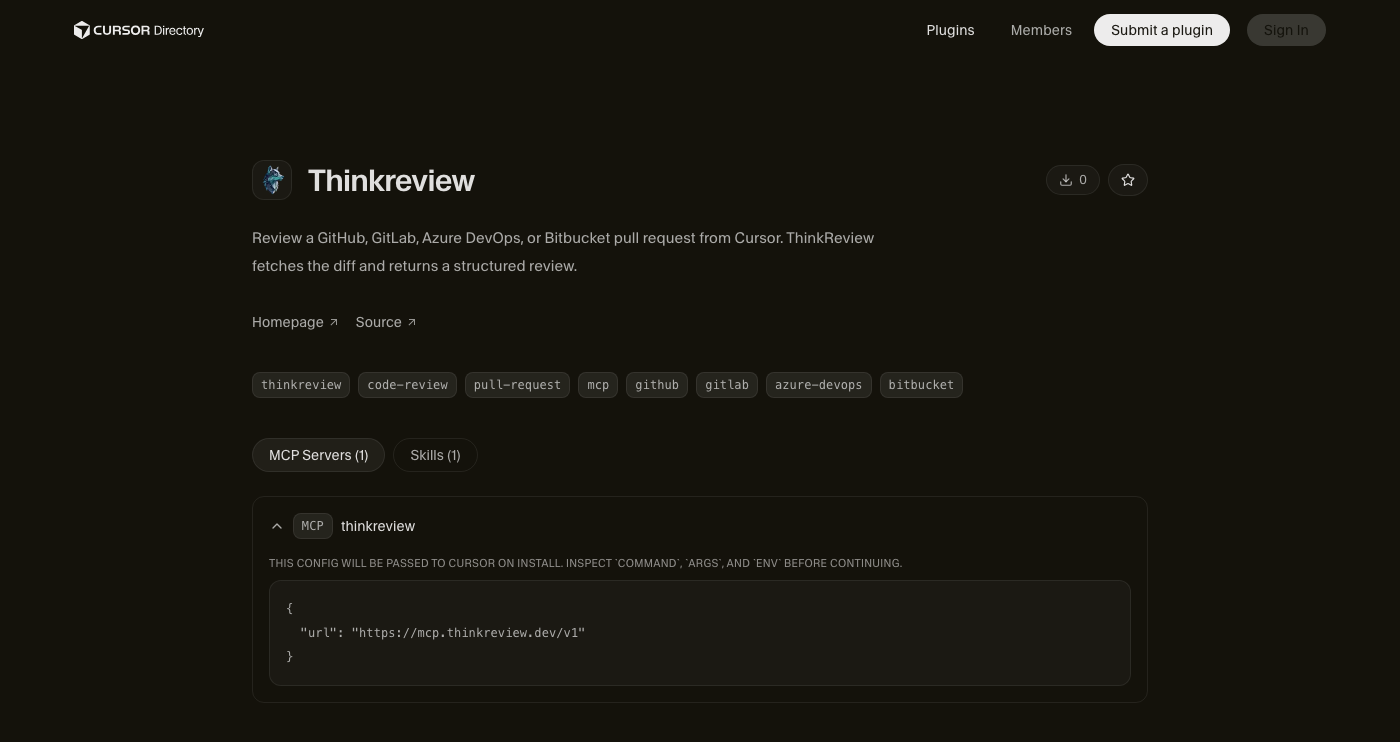
Source: ThinkReview on the Cursor Directory.
What the plugin installs
Two pieces, and nothing else.
- MCP server
thinkreview, pointed athttps://mcp.thinkreview.dev/v1. The config is a URL. There is no token in the repo. - Skill
review-pull-request. When you ask Cursor to review a pull request or merge request URL, the skill sends that URL toreview_url_codeinstead of asking the model to invent a review from a pasted diff.
Supported hosts are the same ones the extension already covers: GitHub and GitHub Enterprise Server, GitLab.com and self-managed GitLab, Azure DevOps Cloud and on-premise, and Bitbucket Cloud and Bitbucket Data Center.
A hand-written mcp.json still works, and the MCP docs still show that config. The plugin is the shorter path. Cursor loads the server and the skill together, and the skill is what keeps the agent on the tool. Without it, a model will often read the pull request page, summarize the chat, and call that a review. The skill tells it to wait for review_url_code.
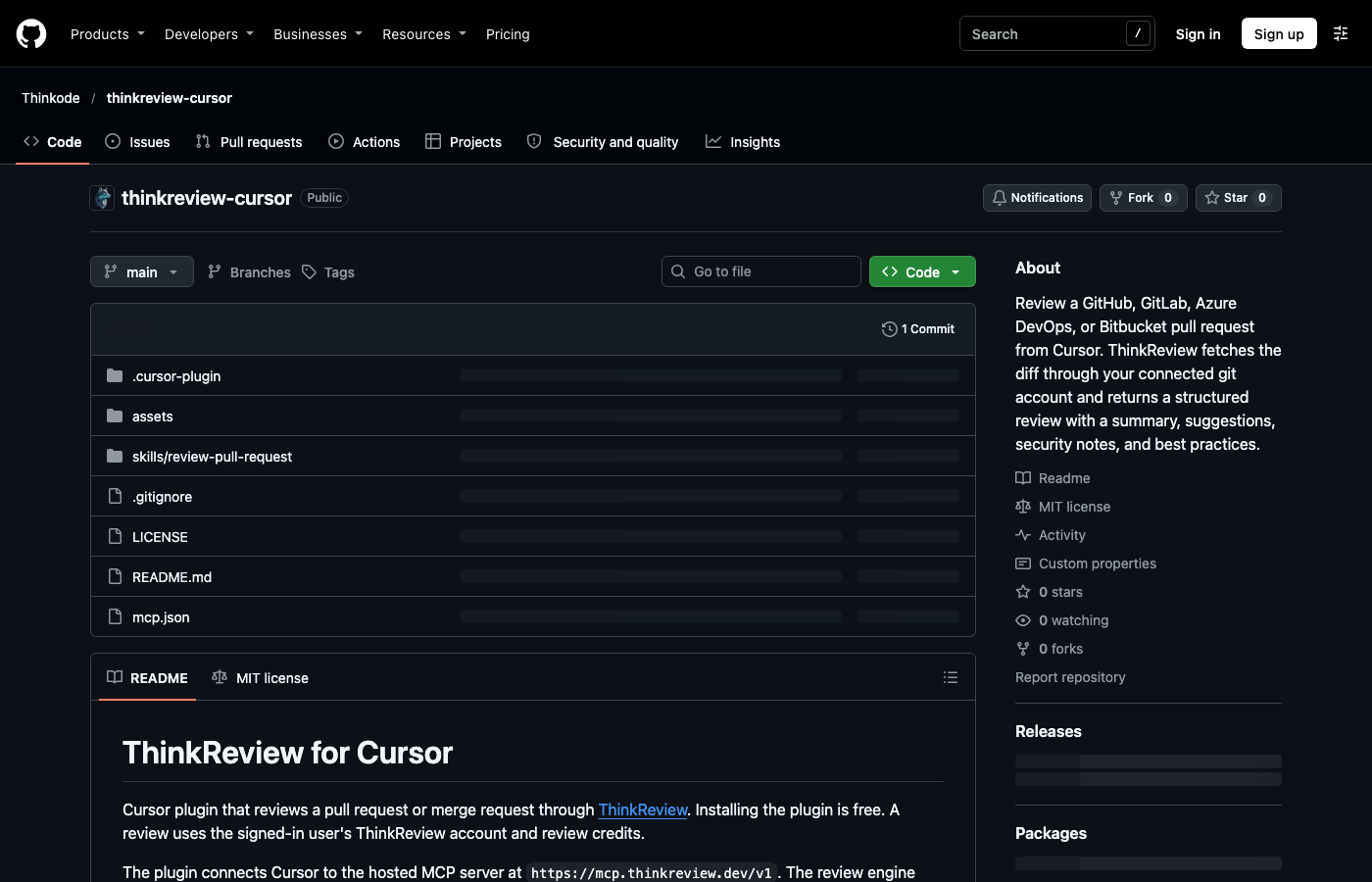
Source: Thinkode/thinkreview-cursor.
What the review already knows
Cursor does not receive the diff in the prompt. ThinkReview fetches the changed files with the git credentials stored under Settings → Integrations in the portal.
That hosted review is the same URL review the extension uses. It can look past the patch:
- The pull request’s own history: title, commits, and the comments already on the thread, so the review does not repeat notes that are already there.
- Other open pull requests or merge requests that touch the same files, when two in-flight changes are likely to collide.
- Your custom rules. On a URL review, including this plugin, ThinkReview applies the security and best-practice checks saved on the account. Rules need a flagship model on Lite, Professional, or Teams.
You get the structured result back in Cursor: a summary, suggestions, security notes, best practices, and follow-up questions. Custom review agents still run from the portal and the extension sidebar. This plugin runs the URL review, and that review includes your custom rules.
A cached review is reused when the file list on the pull request has not changed. Ask for a new one only when the branch moved and the previous write-up is stale. That is what forceRegenerate is for. It spends another review credit, the same as running the extension again on that URL.
Install it
- Open cursor.directory/plugins/thinkreview and install the plugin in Cursor.
- Enable the
thinkreviewserver. - Click Authenticate and finish consent in the browser on the ThinkReview portal.
- Confirm the host you want to review already has git credentials in the portal. OAuth on the plugin does not replace that connection.
If the server asks you to sign in again later, that is the same portal consent. Regenerating an extension Bearer token does not revoke this OAuth session.
Ask for the review
Give Cursor the URL. You do not need to name the tool.
The skill should call review_url_code with that prUrl. Optional arguments, when you need them:
| Argument | When to use it |
|---|---|
language |
You want the write-up in a language other than English |
mrId |
You already track the change with your own id |
forceRegenerate |
You want a fresh review and the cached one should be ignored |
If the tool returns an auth, integration, or credit error, that message is the result. Fix the portal connection or credits and run it again. Cursor should not scrape the pull request page and fill in findings the tool did not return.
Read the result as ThinkReview’s review, then decide what to change. The plugin does not post a comment on the pull request. Nothing lands on GitHub, GitLab, Azure DevOps, or Bitbucket until you post it yourself from the extension. In Cursor, the useful next step is the one the findings already point at: open the file, patch the break, and run the review again after you push.
Where to go next
- Plugin listing: cursor.directory/plugins/thinkreview
- Source: github.com/Thinkode/thinkreview-cursor
- Setup: portal.thinkreview.dev/mcp
- Docs: MCP integration
Newsletter
Want the next one?
Leave your email and I’ll send the post when it’s published. Models, agents, and the review work in between. No drip after that.
One email when we publish. Unsubscribe in a click.