ThinkReview for Antigravity, and Google's new plugin marketplace
Google opened the Antigravity Plugin Marketplace. ThinkReview's plugin reviews a pull request inside Antigravity, and you can install it from GitHub today.

ThinkReview for Antigravity, and Google's new plugin marketplace
Google shipped a catalog for agent plugins. ThinkReview's pull-request review is one you can install now.
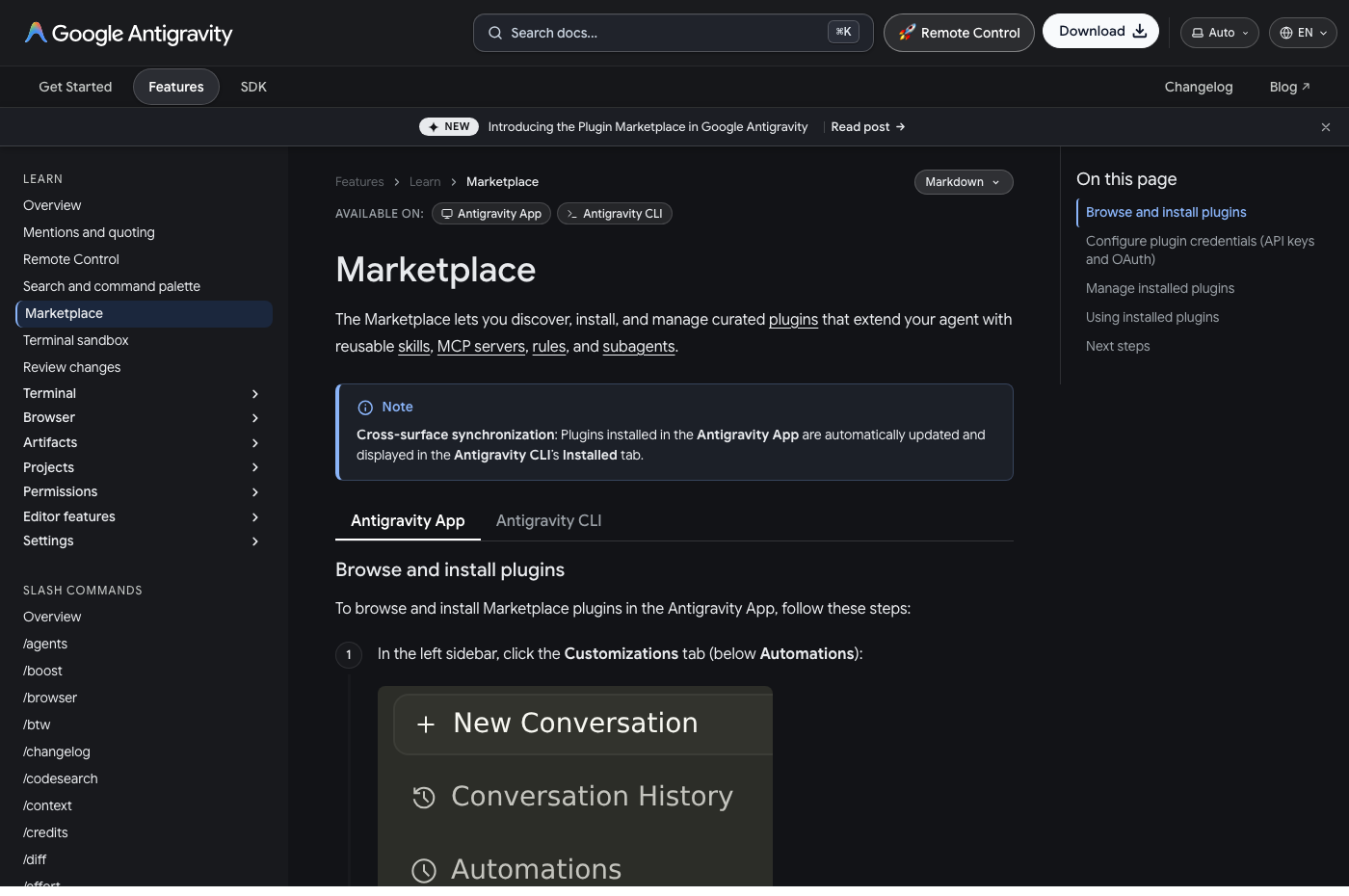
On 29 October 2026 Google launched the Plugin Marketplace in Antigravity. It is a directory in the Antigravity app and the Antigravity CLI. You browse plugins, install one, and the agent picks up the skills, rules, and tools that plugin bundled. Before this, connecting an agent to an outside system meant editing MCP config, environment variables, and skill files by hand in each project.
ThinkReview fits that shape. A review is not a prompt you paste. It is a tool call against a live pull request. The new ThinkReview plugin for Antigravity packages that tool and the skill that tells the agent when to use it.
Source: Marketplace, Google Antigravity.
What Google shipped
A plugin is one versioned folder. Antigravity installs, updates, and turns off everything in it together. The launch post describes five pieces a plugin can carry:
- Skills. Procedures the agent loads when the task matches, or when you type a slash command.
- MCP servers. Remote HTTPS or local tools, including OAuth sign-in.
- Rules. Standing instructions that stay on while the plugin is enabled.
- Hooks. Scripts that run at set points in the agent loop, such as before a tool call.
- Custom agents. Personas the main agent can hand a task to.
The catalog itself is curated. Launch partners include Stripe, Figma, Datadog, Atlassian, Canva, and several Google products. You install those from Customizations, then the Marketplace tab, in the Antigravity app. In the CLI the same catalog is antigravity-plugins-official, and agy plugin install <name> pulls from it. Plugins you add in the app show up in the CLI's Installed tab.
An official card in that catalog is not a self-serve upload. Google asks partners to validate the bundle, then submit it for review. Until a plugin is in the catalog, anyone can still install it from a public GitHub repository.
The ThinkReview plugin
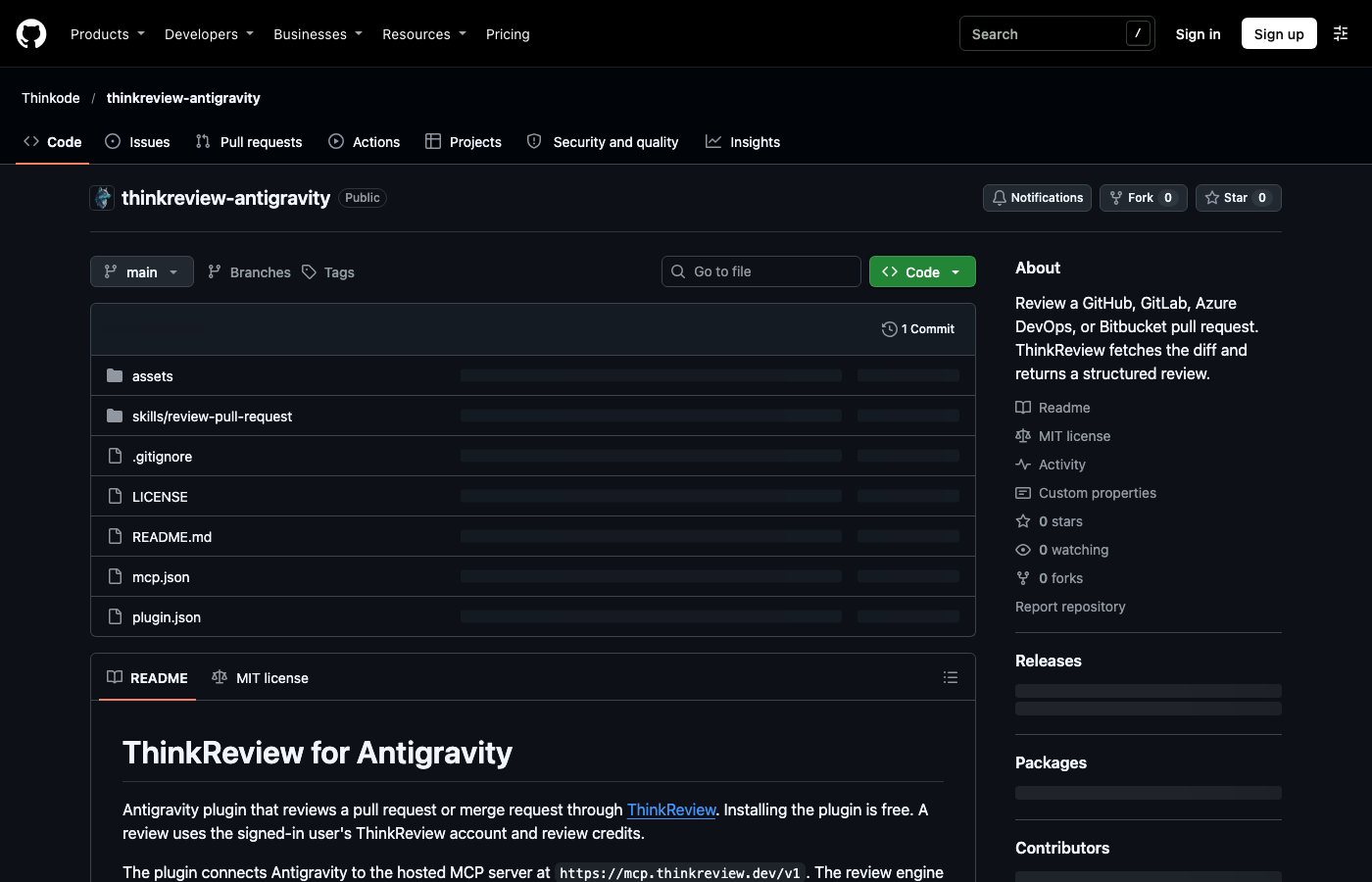
The repository is Thinkode/thinkreview-antigravity. It is public and MIT licensed. The review engine stays on ThinkReview. Installing the plugin is free. A review uses your ThinkReview account and the same review credits as the browser extension.
Two parts do the work:
- MCP server
thinkreview, pointed athttps://mcp.thinkreview.dev/v1. The config is a URL. There is no token in the repo. Antigravity opens the browser for ThinkReview sign-in when the server connects. - Skill
review-pull-request. When you ask for a review of a pull request or merge request URL, the skill sends that URL toreview_url_codeinstead of letting the model summarize a page it scraped.
Supported hosts match the extension: GitHub and GitHub Enterprise Server, GitLab.com and self-managed GitLab, Azure DevOps Cloud and on-premise, and Bitbucket Cloud and Bitbucket Data Center.
Source: Thinkode/thinkreview-antigravity.
We have submitted the plugin for the official marketplace. It is not on the curated catalog yet. Google reviews partner plugins before they appear under Customizations. You do not have to wait for that card to use it.
Install it
You need the Antigravity CLI (agy) and a ThinkReview account with review credits. Git credentials for the host you want to review belong under Settings → Integrations in the portal. Sign-in on the plugin does not replace that connection.
agy plugin install https://github.com/Thinkode/thinkreview-antigravity
Then enable thinkreview and finish consent in the browser. If you already have a local clone:
agy plugin validate --strict .
agy plugin install .
A suggested prompt is included for the marketplace card: "Review https://github.com/org/repo/pull/42". The same sentence works in chat. You do not have to name the tool.
| Argument | When to use it |
|---|---|
prUrl |
The pull request or merge request URL. Required. |
language |
You want the write-up in a language other than English. |
mrId |
You already track the change with your own id. |
forceRegenerate |
The branch moved and the cached review should be ignored. |
A cached review is reused when the file list has not changed. Forcing a new one spends another review credit, the same as running the extension again on that URL.
What comes back
ThinkReview fetches the changed files with the credentials stored in the portal. The diff is not pasted into the prompt. The hosted URL review can also use:
- The pull request's own history: title, commits, and comments already on the thread.
- Other open pull requests or merge requests that touch the same files, when two in-flight changes are likely to collide.
- Your custom rules. On a URL review, ThinkReview applies the security and best-practice checks saved on the account. Rules need a flagship model on Lite, Professional, or Teams.
You get a summary, suggestions, security notes, best practices, and follow-up questions. Custom review agents still run from the portal and the extension sidebar. This plugin runs the URL review, and that review includes your custom rules.
If the tool returns an auth, integration, or credit error, that message is the result. Fix the portal connection or credits and run it again. The plugin does not post a comment on the pull request. Nothing is written to GitHub, GitLab, Azure DevOps, or Bitbucket until you post it yourself from the extension.
Where to go next
- Plugin source: github.com/Thinkode/thinkreview-antigravity
- Google's launch post: Plugin Marketplace in Antigravity
- How to install catalog plugins: Marketplace docs
- How to build one: Build plugins
- ThinkReview setup: portal.thinkreview.dev/mcp and the MCP docs
Newsletter
Want the next one?
Leave your email and I’ll send the post when it’s published. Models, agents, and the review work in between. No drip after that.
One email when we publish. Unsubscribe in a click.