Post a ThinkReview finding as a PR comment in one click
Click Post on a ThinkReview finding and it lands as a conversation comment on the GitHub, GitLab, or Azure DevOps pull request.

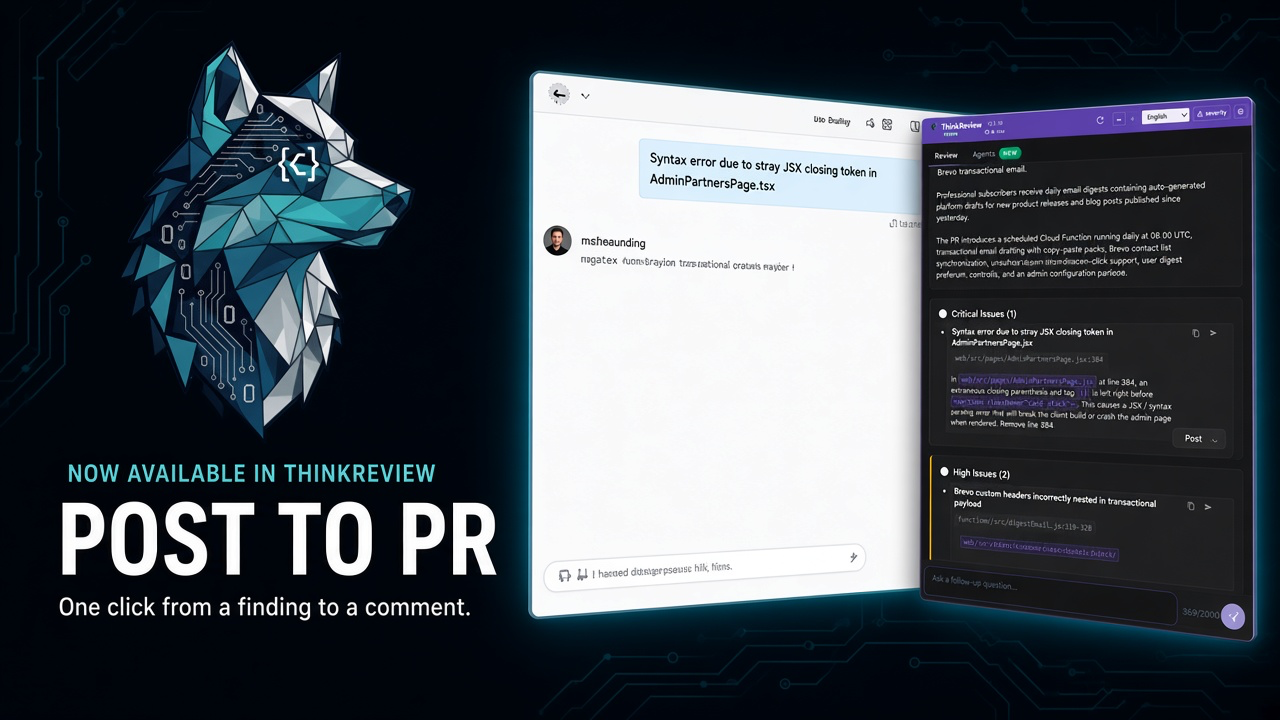
The review already lives on the pull request. Now the finding can live there too — when you decide to post it.
ThinkReview has always been a copilot on the PR page: severity-ranked findings, file ranges, follow-ups, and copy you could paste yourself. The last mile was still copy-paste. That is the part we just removed.
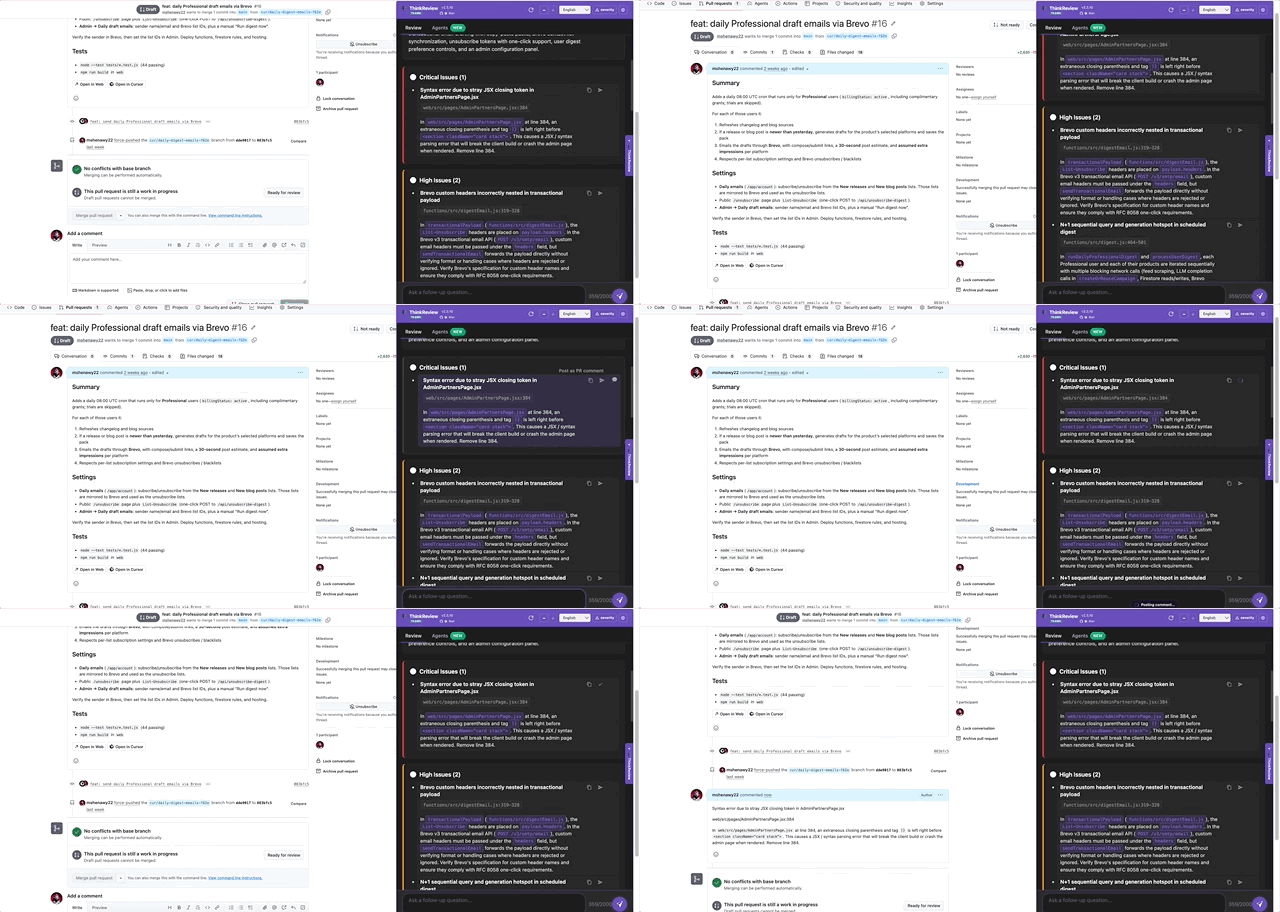
Each finding in the review panel now has a Post control. Click it, and the finding is published as a conversation comment on the same pull request or merge request you are looking at. No second tab. No formatting the markdown by hand.
What you get on the PR
The comment is the finding you already read in the panel: title, file path, line range, and the explanation. It shows up in the conversation thread — the same place teammates already watch for review notes — not as an auto-spam from a bot that reviewed every commit overnight.
That is the useful split:
- Inline review comments still belong to the human review you write on the diff
- Conversation comments are the place to share a finding the whole thread should see
- ThinkReview Post writes the second kind, on demand, from the finding you selected
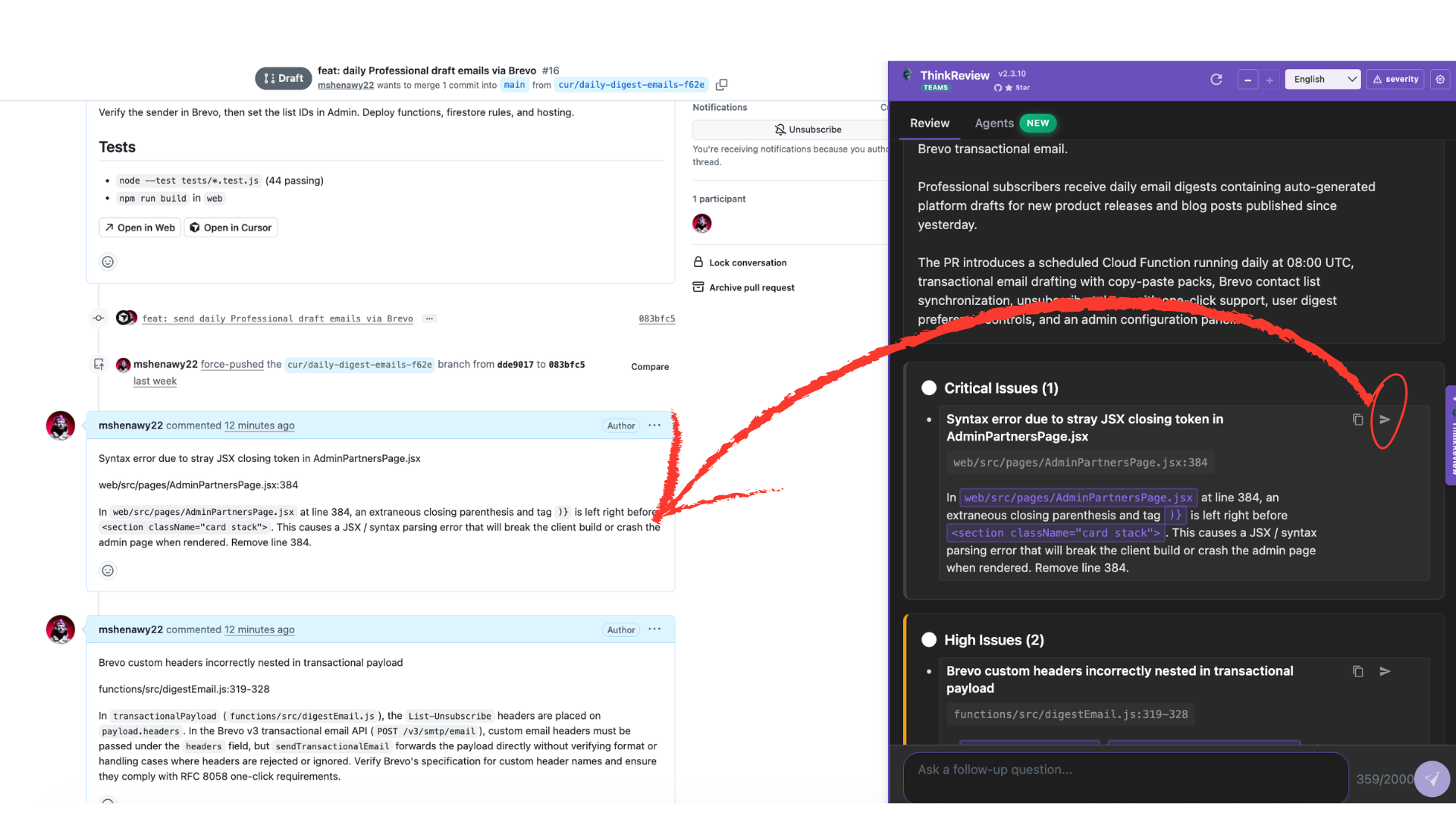
While it posts, the panel shows a short toast with a spinner. The PR page stays usable. If the host rejects the comment (missing write access, expired token, wrong scope), you get that error instead of a silent failure.
Where it works
Post uses your Full Context integration — the same credentials ThinkReview already uses to read the repo — and is available on:
- GitHub (GitHub App or personal access token)
- GitLab (OAuth or personal access token, including self-managed with a custom domain)
- Azure DevOps (personal access token)
On GitHub App, the comment is attributed to ThinkReview. On GitLab OAuth / PAT and Azure PAT, it is attributed to you, because those hosts post as the authenticated user.
Bitbucket reviews still run in the panel. Posting from the finding is GitHub, GitLab, and Azure for this release.
Setup you actually need
You already have a working review if Full Context can fetch the diff. Posting is a write. That is the extra check:
- GitHub App: the installation needs permission to write issues/comments on the repo. If reviews work but Post returns a permissions error, update the App install and try again.
- GitHub PAT: the token needs comment write on that repository.
- GitLab OAuth: posting notes requires the
apiscope (GitLab does not offer a narrower “notes only” write scope). If you connected GitLab before this change, reconnect OAuth so the new scope is granted. - GitLab / Azure PAT: the token needs permission to comment on the MR or PR.
If Post opens the setup hint instead of sending, finish Full Context for that host first — GitHub App, GitLab OAuth, or a PAT — then click Post again.
How to use it in a real review
- Open the PR or MR in the browser and run AI Review as usual.
- Read the finding in the panel. Edit nothing you would not want on the thread — the body is the finding text.
- Click Post on that item.
- Confirm the comment on the conversation tab. Refresh if the host is slow to render.
Post one finding, or several. Skip the noisy ones. That is the point: the model ranked the issues; you still choose what the team sees.
Install or update ThinkReview:
Same credits, same models, same panel. The new control is only the last step from finding to thread.
ThinkReview remains a copilot. The next post is about why one click is not the same as a comment bot — and why we still wait for you to press Post.
Newsletter
Want the next one?
Leave your email and I’ll send the post when it’s published. Models, agents, and the review work in between. No drip after that.
One email when we publish. Unsubscribe in a click.