One click from ThinkReview to the pull request — you still decide
ThinkReview can post a finding to the PR thread, but only when you click. That is the difference between a copilot and a comment bot.

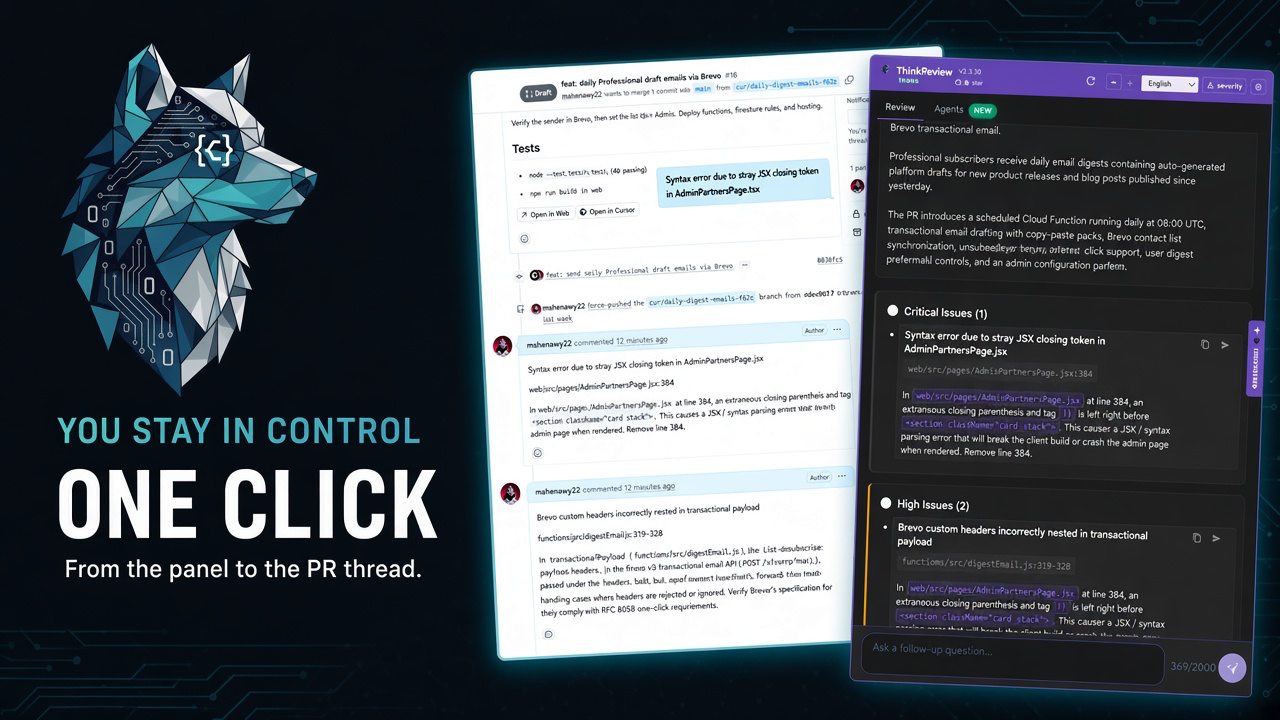
A comment bot reviews in the background and dumps a wall of text. A copilot waits until you mean it.
We spent a long time saying ThinkReview would not become another PR spam machine. That still holds. The new Post button does not subscribe your repo to a webhook, does not comment on every push, and does not append a marketing footer to your thread.
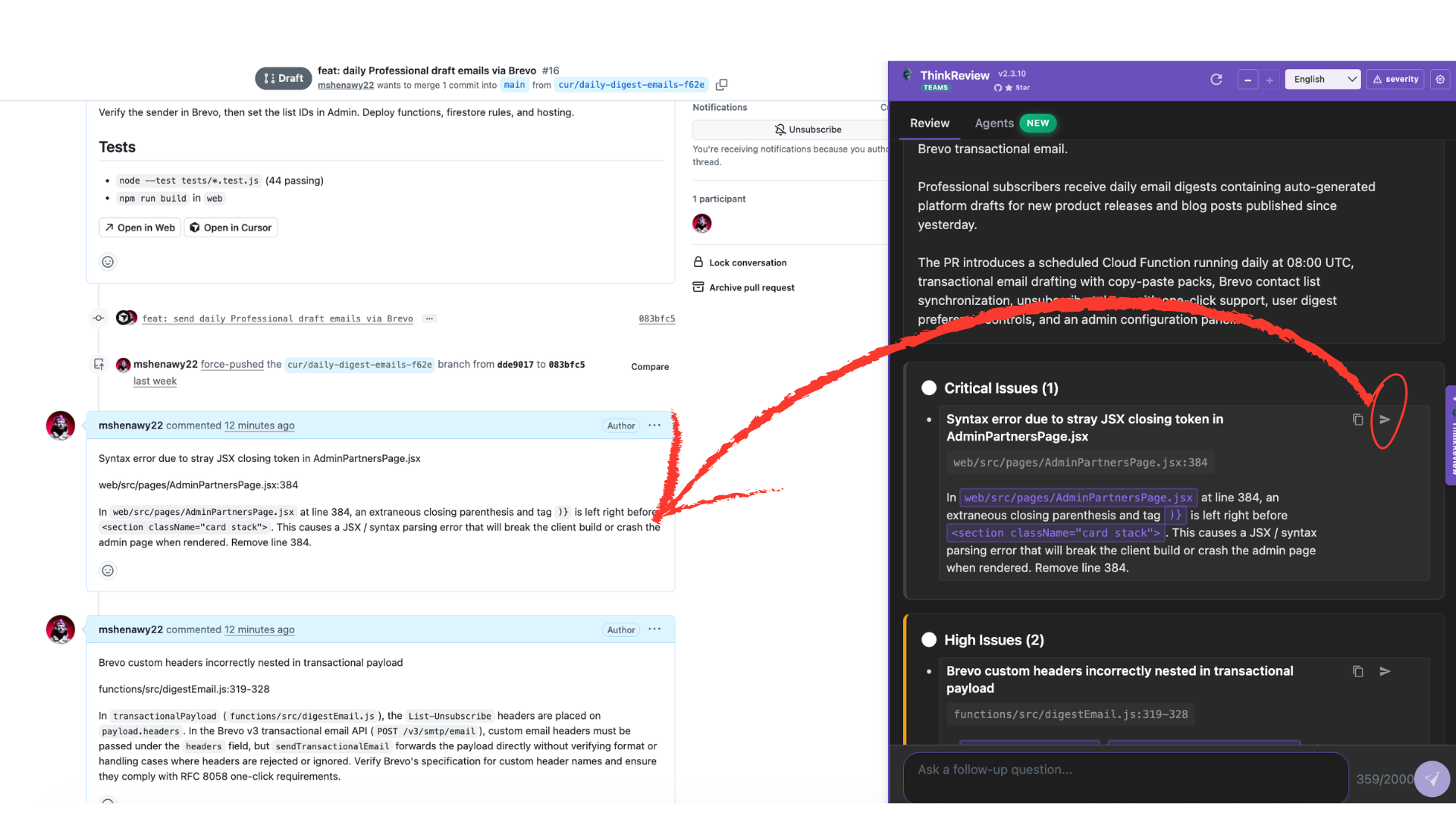
It publishes one finding you already accepted, as a conversation comment, because you clicked.
Copilot versus bot is a posting policy
Most AI review products fail the thread, not the model. They run on a GitHub Action, open a review as a bot user, and leave ten medium findings on a three-line CSS change. Authors learn to collapse the bot. Reviewers learn to ignore it.
ThinkReview’s policy is the opposite:
- The review stays on the page you already have open
- Findings stay in the panel until you share them
- Post is explicit — one item, one comment
- Nothing is written if you never click
That is slower than a GitHub Action. It is also how humans already review: read, decide, then leave a note the author should actually answer.
Copy-paste was always the escape hatch. Suggested comments, follow-up questions, and code suggestions were designed so you owned the words on the PR. Post is the same ownership with less friction.
What lands on the thread
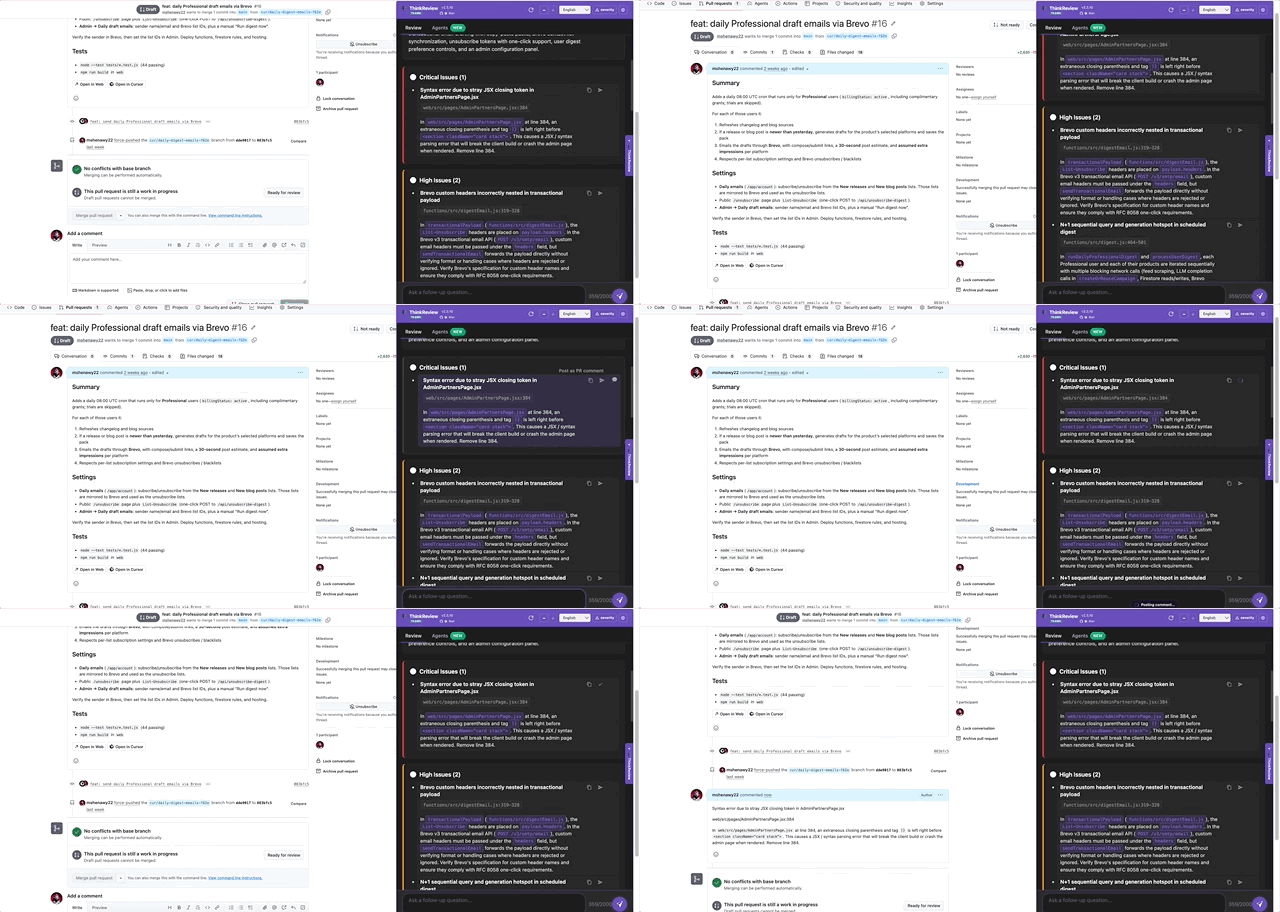
The body is the finding: what is wrong, where it is, why it matters. No “Posted with ThinkReview” trailer. If the comment reads like a bot, it is because the finding was thin — not because we branded the footer.
Attribution depends on how you connected Full Context:
| Connection | Who the host shows as author |
|---|---|
| GitHub App | ThinkReview |
| GitHub PAT | You |
| GitLab OAuth or PAT | You |
| Azure DevOps PAT | You |
GitHub App comments are useful when the team wants a consistent reviewer identity. PAT and GitLab OAuth comments are useful when the team wants your name on the note you chose to share. Pick the integration that matches how your org already talks on PRs.
Why the comment is a conversation comment
We post to the conversation (GitHub issue comment, GitLab MR note, Azure thread), not as an inline line comment on the diff.
Conversation comments are the shared inbox. They notify watchers, they survive force-pushes better than a pile of outdated inline threads, and they match how people already paste a finding they want the author to fix. Inline comments are still yours to write on the files you actually walked.
If you need a line-anchored remark, leave it on the diff. If you need the finding the whole PR should see, use Post.
When not to click
Post is a tool, not a scoreboard. Skip it when:
- The finding is a false positive you already dismissed in the panel
- You would not say the same words in a human review
- The change is still a draft and the thread does not need noise yet
- You are on Bitbucket — reviews work; posting from the finding is GitHub, GitLab, and Azure DevOps in this release
GitLab users who connected OAuth before write support need to reconnect so the app can request the api scope. GitLab does not ship a narrower “leave a note” OAuth scope. GitHub App installs need comment write, or Post will fail while read-only reviews still succeed.
The habit we want
Open the PR. Run the review. Argue with the finding in chat if you want. Then, for the issues that should block merge or teach the author, click Post and go back to the thread.
That is one extra click versus a bot that already posted twelve times. It is also why the thread stays readable.
Update the extension if you do not see Post on findings yet:
ThinkReview still does not merge for you, still does not own the review, and still does not write to the PR until you say so. The finding is ready. The thread is one click away.
Newsletter
Want the next one?
Leave your email and I’ll send the post when it’s published. Models, agents, and the review work in between. No drip after that.
One email when we publish. Unsubscribe in a click.