MiniMax M3 is now available in ThinkReview
MiniMax M3 is now available in ThinkReview
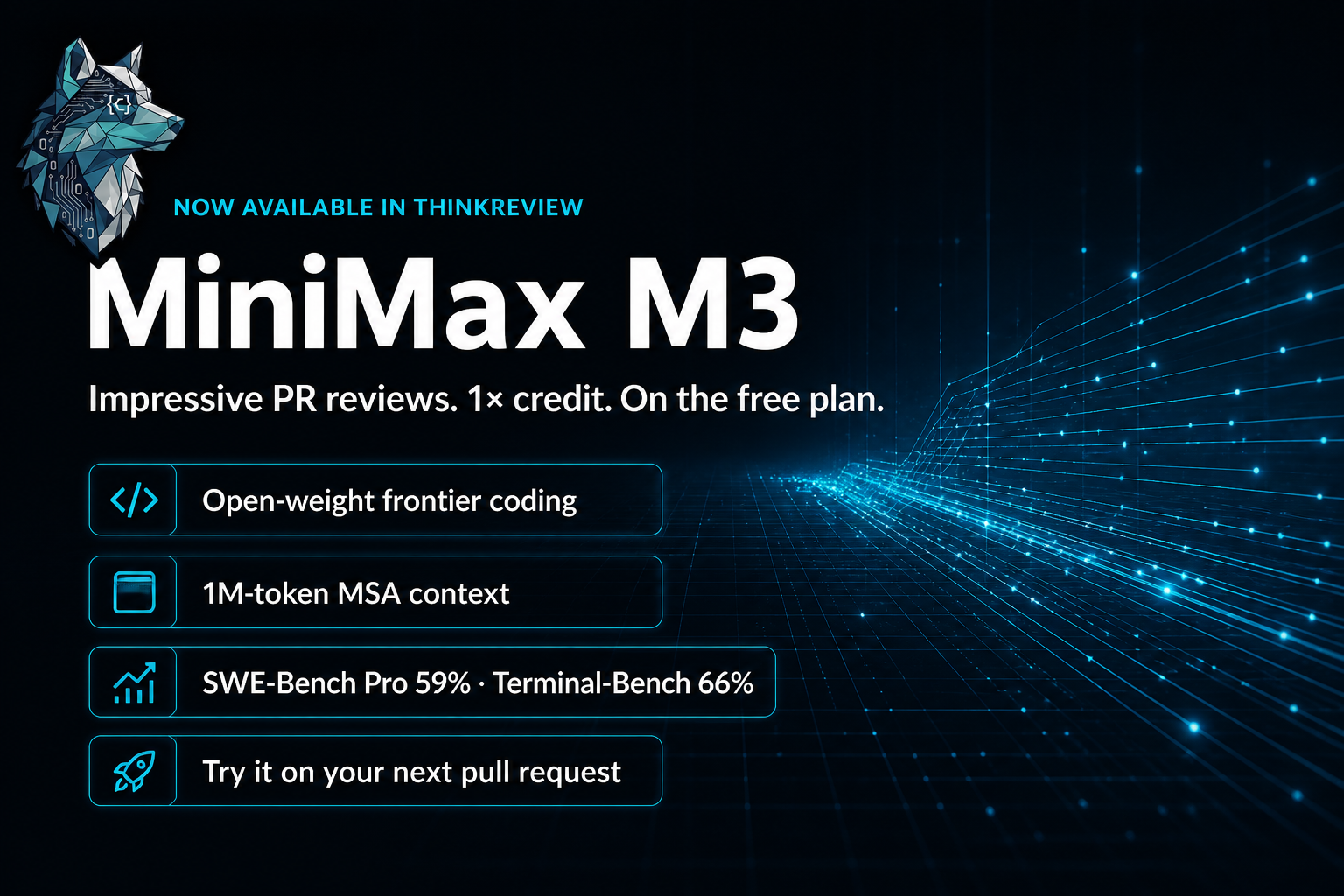
We're excited to announce that MiniMax M3 is now available in ThinkReview. MiniMax's official launch positions M3 as the first open-weight model to combine frontier coding and agentic work, a 1-million-token context window, and native multimodality in a single checkpoint. We've been running it on real pull requests — the code review results are very impressive — and you can use it today on GitHub, GitLab, Azure DevOps, and Bitbucket.
The headline that spread this week asked whether M3 is better than Claude and 20× cheaper. Benchmarks are mixed across suites, but the parts that matter for review — software engineering evals, terminal work, and long-context reasoning — are strong. In ThinkReview, that shows up as high-signal findings rather than generic nits.
MiniMax M3 is on our free plan, and it costs 1× credit (model multiplier 1x). A new review is 1 credit. You do not need a paid plan to try it.
What is MiniMax M3?
MiniMax M3 is a frontier Mixture-of-Experts model from the Shanghai lab MiniMax. Coverage of the release (including daily.dev's roundup) describes roughly 428 billion total parameters with about 22–23B active, plus MiniMax Sparse Attention (MSA) for cheap million-token context. MiniMax says M3 is the first open-weight model to ship frontier coding, 1M context, and native multimodal understanding together.
Highlights from the MiniMax M3 announcement and model page:
- Frontier coding and agents — 59.0% on SWE-Bench Pro, 66.0% on Terminal-Bench 2.1, plus strong scores on SWE-fficiency, KernelBench Hard, and MCP Atlas.
- BrowseComp 83.5 — MiniMax reports M3 beating Claude Opus 4.7 (79.3) on this multi-step browsing benchmark.
- 1M-token MSA context — Sparse attention groups tokens into hardware-aligned blocks. At 1M context, MiniMax reports about 1/20 the per-token compute of the prior generation, with ~9× faster prefill and ~15× faster decode versus full attention.
- Native multimodal — Trained with interleaved text and vision from step zero, including long video — useful when a PR includes screenshots, diagrams, or UI diffs.
- Toggleable thinking — Adaptive thinking for hard, multi-step work; disabled for faster, latency-sensitive passes. Same pricing either way on MiniMax's API.
- Open-weight, aggressive API price — Weights are being released to the community. Roundups cite OpenRouter-class pricing around $0.30 per million input tokens — the “20× cheaper” comparison people have been discussing.
MiniMax also showcased long-horizon engineering: a ~12-hour independent paper reproduction, and a 24-hour CUDA kernel optimization loop (147 submissions, 9.4× speedup). That is the same class of sustained, mechanism-level reasoning we want on messy pull requests.
M3 is available via MiniMax Code, the MiniMax API, and partners — and now inside ThinkReview.
Why MiniMax M3 is impressive for code reviews
Pull request review needs a model that can hold a large diff, related files, and the surrounding architecture in mind, then write comments a human reviewer would actually act on. That is where M3 has been standing out for us.
- High-signal findings — In our ThinkReview runs, M3 has been producing very impressive code review results: concrete bugs, contract breaks, and regressions — not filler.
- Built for real engineering sessions — SWE-Bench Pro and Terminal-Bench scores, plus MiniMax's long-horizon demos, map well to multi-file PRs that need planning, not one-hunk pattern matching.
- Room for large changes — A million-token window (with MSA keeping inference cheaper) helps keep large diffs and surrounding context in scope when ThinkReview can fetch it.
- Vision when the PR has UI — Native multimodal training helps when the change includes screenshots, design notes, or visual regressions alongside code.
- Frontier-class reviews at 1× credit — Flagship-quality coding models usually cost a higher multiplier. M3 is 1×, so a new review is 1 credit.
- On the free plan — You can run MiniMax M3 on ThinkReview's free plan. Paid plans still raise daily credits and limits; you do not need them just to select M3.
Treat severity labels as input — your team's bar for “critical” still wins. Pair M3 with repository-level context when the real bug lives outside the hunk.
Selected numbers from MiniMax (not a substitute for your review bar):
- SWE-Bench Pro — 59.0%
- Terminal-Bench 2.1 — 66.0%
- BrowseComp — 83.5 (vs Opus 4.7 at 79.3 in MiniMax's comparison)
- MCP Atlas — 74.2%
Is it “better than Claude” on every coding axis? No single score answers that. For ThinkReview, the useful claim is simpler: open-weight frontier coding quality, impressive review comments, 1× credit, available on free.
How to use MiniMax M3 in ThinkReview
- Open ThinkReview settings — Click the extension icon and go to Settings or Model selection.
- Choose MiniMax M3 — Select it from the model dropdown for your reviews.
- Run a review — Open any pull request or merge request and start ThinkReview with your chosen model.
MiniMax M3 is available on the free plan (and every paid plan). Each new review costs 1 base credit × 1x multiplier = 1 credit. Regenerates after new changes are discounted at 0.5 credit. See Billing & review credits for the full table.
Manage your catalog in Model Selection on the ThinkReview portal.
Where it works
Same as always: GitHub, GitLab, Azure DevOps, and Bitbucket Cloud. One extension, one workflow — now with MiniMax M3 for impressive-quality AI reviews at 1× credit.
If you try MiniMax M3 on real PRs and have feedback, we'd love to hear it — open an issue on GitHub or reach out via thinkreview.dev.
Ready to try MiniMax M3 on your next PR? Install ThinkReview (free plan included) or manage your models in the portal.
Model details reference MiniMax's M3 announcement and coverage such as daily.dev's MiniMax M3 post.